
Unofficial client · self-hosted · MIT
Poznote,
in your pocket.
Pozzy is a mobile client for the self-hosted Poznote note-taking server. It talks to your own hardware over the Poznote REST API — no cloud, no third parties, nothing in between.
Get the app
Download Pozzy
Store listings are on the way — until then, the app runs via Expo Go (see Setup below).
What’s inside
Everything Poznote does, in your hand
-
01
Notes, done right
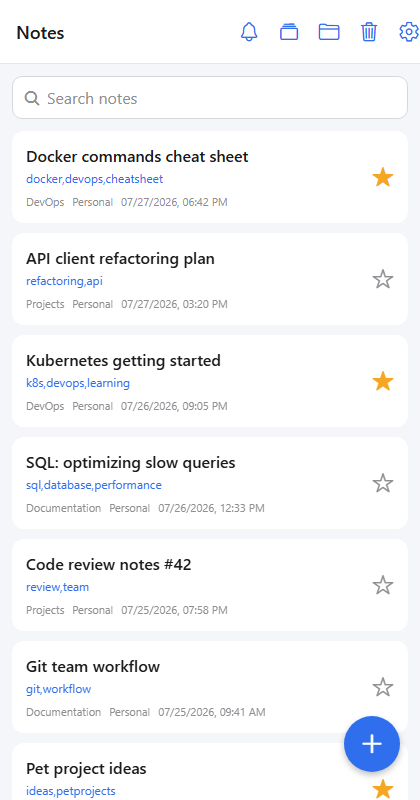
Instant search, workspace and folder filters, favorites, tags, soft-delete — and an editor with edit-lock, so co-editing with the web UI stays conflict-free.
-
02
Power tools
Public share links, reminders, version history with one-tap restore, backlinks, attachments, Markdown ↔ HTML conversion, bulk actions via multi-select.
-
03
Organized
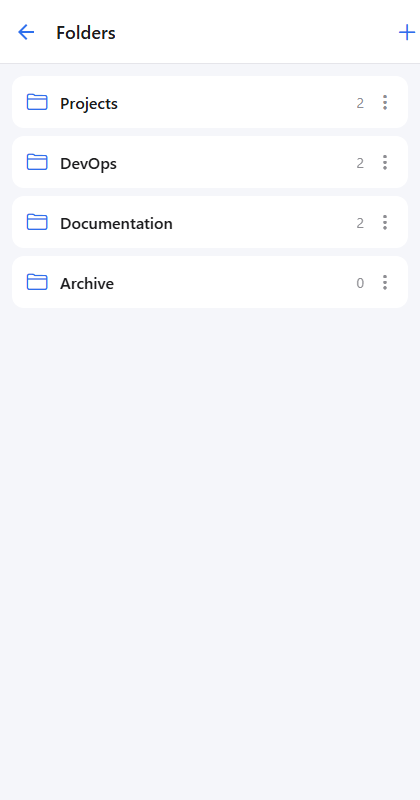
Folders with note counts, workspaces with a quick switcher, trash with restore, reminder notifications with an unread badge.
-
04
Server management
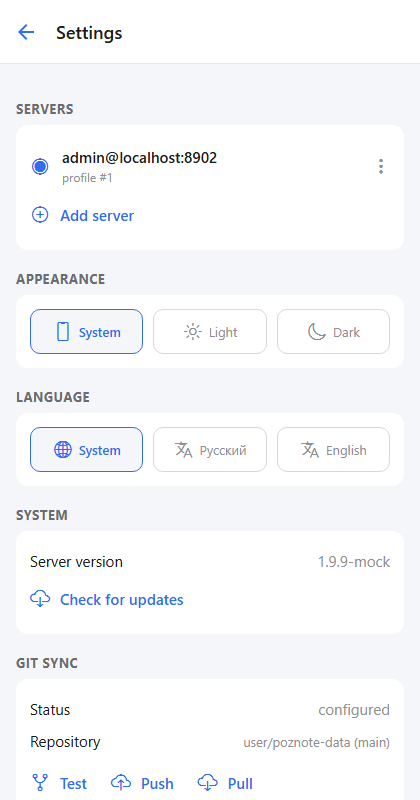
Multiple saved servers, version and update check, Git Sync (status, push, pull), backups, and active share links — right from Settings.
-
05
Private by design
The app talks only to your server, over HTTP Basic Auth. App lock with biometrics or device PIN relocks 30 seconds after you switch away.
-
06
Feels native
Light, dark, and system themes. English and Russian UI, auto-detected from the system locale, with a manual override in Settings.
Screenshots
Real screens, no mockups
Setup
Up and running in two minutes
- Install Node.js 20+ and Expo Go on your phone.
- Clone the repo, install dependencies, start Expo.
- Scan the QR code with Expo Go.
- Enter your server URL and Poznote credentials.
$ git clone https://github.com/blanergol/pozzy.git
$ cd pozzy
$ npm install
$ npm start

› scan the QR code with Expo Go
Support the project
Donate in crypto
Pozzy is free and open source. If it saves you time, you can support development with a USDT transfer on the TON network — no memo required.
UQBC2cFoZ94jsJil-AhmL2HalKZoRikv50UVtzAdSRj05qCk